Listing on eBay sounds simple: take a photo, write a quick description, set a price, and hit post. But if your listings aren’t selling, it’s not because the market is saturated-it’s because you’re making the same mistakes most new sellers do. According to eBay’s own data, sellers who fix just three of these common errors see their conversion rates jump from under 3% to over 8%. That’s not luck. That’s strategy.
1. Using Poor-Quality Photos
Most sellers use their phone’s default camera settings, snap one picture in dim lighting, and call it good. Bad move. eBay’s internal studies show listings with 8 or more high-resolution images get 32% more bids than those with just one or two. But it’s not about quantity-it’s about quality.
Your main image should be clean, well-lit, and on a pure white background. No clutter. No hands. No random objects in the frame. Show the item exactly as the buyer will receive it. For clothing, include a flat-lay shot. For electronics, show ports, buttons, and any wear. Use natural light if you can’t afford a studio. A $15 white foam board from Amazon works better than a fancy lightbox if you’re just starting out.
Don’t waste space with 12 photos of the same angle. Pick the 6-8 that tell the full story: front, back, side, close-up of flaws, packaging, and a shot with a ruler or coin for scale. Buyers want to feel confident they know exactly what they’re buying-before they click ‘Buy It Now’.
2. Writing Weak Titles
Your title isn’t a creative writing exercise. It’s a search engine. eBay allows 80 characters. Most sellers use under 30. That’s like putting up a billboard with only half the letters.
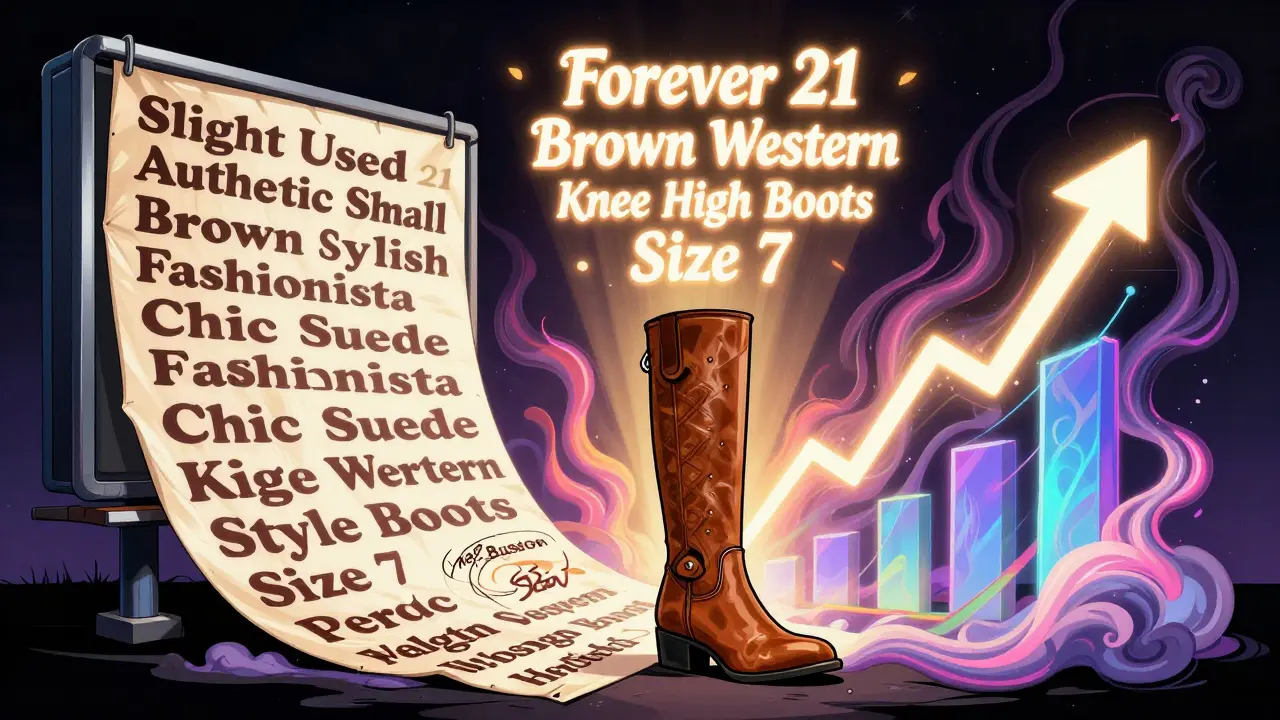
Include the brand, model, size, color, and condition. For example: Forever 21 Brown Suede Western Knee High Boots Size 7 performs 78% better than Slight Used Authentic Forever 21 Small Brown Stylish Fashionista Chic Suede Knee High Western Style Boots Size 7. All those adjectives? They don’t help. They eat up space you need for keywords buyers actually search for.
Always include the condition: “New,” “Used,” or “Refurbished.” eBay’s data shows this boosts click-through rates by 15%. Skip the fluff. Skip the emojis. Skip the ALL CAPS. Be clear. Be concise. Be specific.
3. Ignoring Item Specifics
eBay doesn’t just want your description-it wants structured data. Every category has mandatory fields: for electronics, it’s brand, model number, screen size, warranty status. For clothing, it’s size, material, brand, sleeve length. Missing even one can get your listing rejected or buried.
3Dsellers’ data shows listings missing required item specifics have a 92% rejection rate on first submission. That’s not a typo. Ninety-two percent. You’ll get an error code, but most sellers ignore it or guess the right field. Instead, use eBay’s category-specific checklist. If you’re listing a smartwatch, don’t assume “Bluetooth” is enough-specify Bluetooth version, battery life, and water resistance rating.
Pro tip: Use eBay’s API or tools like sellygenie.com to auto-fill these fields. You’ll cut listing time from 15 minutes to under 2.
4. Poorly Written Descriptions
Long descriptions don’t mean better sales. In fact, eBay’s data shows listings over 500 words convert 22% worse than those between 150 and 300 words. Why? Buyers skim. They want facts, not essays.
Use the FAB method: Features, Advantages, Benefits. Not “This is a vintage Rolex.” Say: “1980s Rolex Datejust, stainless steel case, original dial, 100% functional. Comes with original box and papers. Perfect for collectors who want a classic timepiece without the new price tag.”
Always disclose flaws. If the zipper on the jacket is broken, say so. If the screen has a tiny scratch, show it in a photo and mention it. Sellers who hide damage get 47% more returns. Transparency isn’t a weakness-it’s your strongest sales tool.
5. Wrong Category Selection
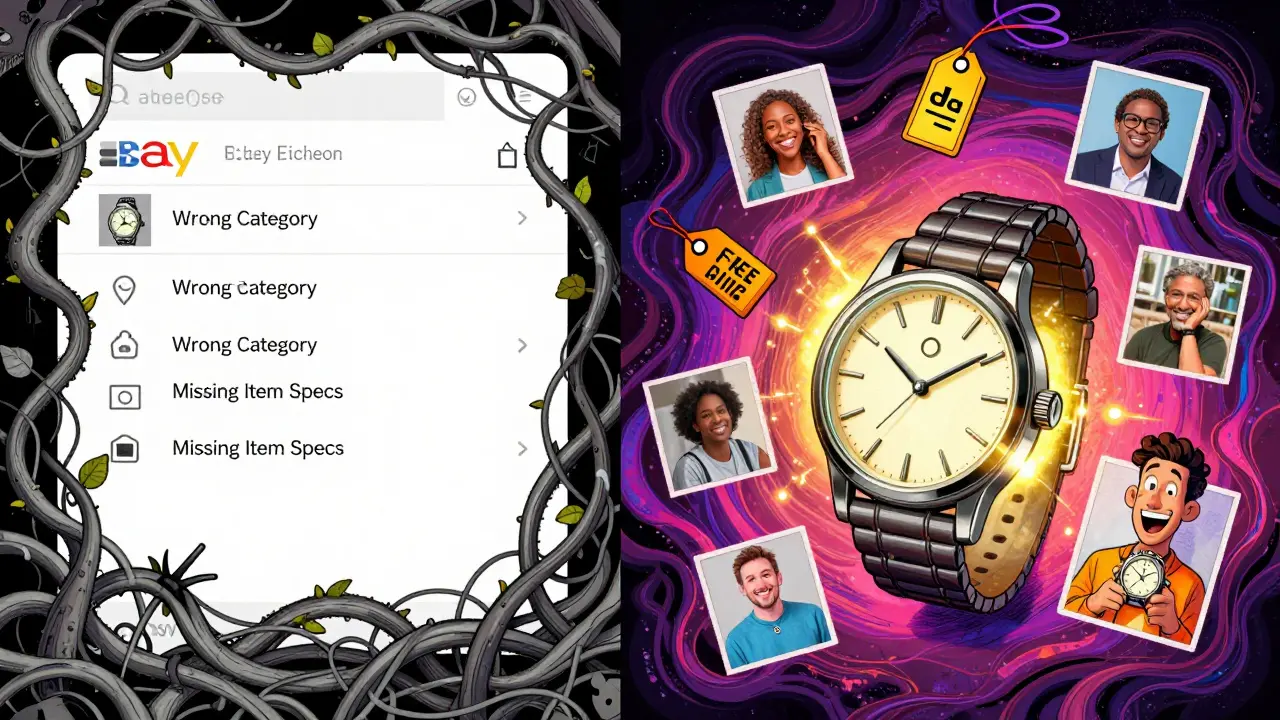
Listing a vintage watch under “Jewelry & Watches > Watches” is too broad. Put it under “Jewelry & Watches > Watches > Wristwatches > Vintage.” That specificity matters. eBay’s data shows items in the most precise subcategories get 28% higher conversion rates.
Use eBay’s search bar to test. Type in your item. See what categories show up for similar listings. Click on one. Look at the breadcrumb trail at the top of the page. That’s your target category. Don’t pick the first one that looks close. Pick the one that matches exactly.
One seller moved a 1970s Seiko from “Watches” to “Vintage Wristwatches” and saw sales velocity jump 63%-no other changes.
6. Pricing Errors
Setting prices too high because you “love the item” or too low because you “just want to get rid of it” kills profit. The sweet spot? Within 5% of what similar items recently sold for.
eBay’s “Recently Sold” filter is your best friend. Search your item. Click “Sold Listings.” Sort by price. See what actually sold-not what people asked for. That’s real market value.
Also, use psychological pricing. $19.99 converts 17% better than $20.00. $29.95 beats $30.00. Don’t ignore this. It’s not magic-it’s math.
And don’t bury “Free Shipping” in the description. Put it in the title. Listings with “Free Shipping” in the title get 37% more views-even if the total cost is the same as a competitor’s.
7. Ignoring Shipping Options
Flat-rate shipping that’s too high? Buyers leave. Calculated shipping that’s too low? You lose money. The fix? Use eBay’s calculated shipping tool. It pulls real rates from USPS, FedEx, and UPS based on weight and zip code.
Offer free shipping if you can. eBay’s data shows it increases conversion by 22%. If you can’t afford it, at least make your shipping cost clear upfront. Don’t hide it in the description. Buyers check shipping before anything else.
And don’t forget international buyers. They make up 34% of eBay’s traffic. Enable international shipping-even if you just ship to Canada and the UK. You’ll get 22% more bids on average.
8. Violating Copyright and Brand Rules
You didn’t know “Otterbox” or “Velcro” are trademarked? Lots of sellers didn’t either. eBay’s VERO (Verified Rights Owner) system auto-flags listings with protected terms. Selling “Otterbox cases” without authorization? 73% higher chance of account suspension.
Even common words like “Onesie” (a trademarked baby garment) or “Kleenex” (a brand name, not tissue) can get you flagged. Check eBay’s Brand Restrictions list before listing. If you’re unsure, search the brand name + “eBay prohibited.”
Also, never list counterfeit, replica, or unauthorized items. Even if you think it’s “just a knockoff,” eBay’s AI catches it. And your account gets suspended-not just the listing.
9. Not Disclosing Condition Honestly
“As-is, no returns” sounds harsh, but it works. Listings with that phrase see 67% fewer return requests. But only use it if you’ve fully disclosed flaws. If you say “as-is” and then don’t mention the broken hinge or faded fabric, you’ll get negative feedback fast.
Buyers aren’t mind readers. If there’s a hole in the pocket, show it. If the battery doesn’t hold a charge, say so. If the box is torn, photograph it. The more honest you are, the fewer disputes you’ll have. And fewer disputes mean higher seller ratings.
eBay’s data shows sellers who document condition in both title and description get 44% fewer disputes. That’s not a coincidence. It’s trust.
10. Ignoring Buyer Communication
You think your listing is perfect? Doesn’t matter if you don’t answer messages. Sellers who reply to buyer questions within 4 hours get 31% higher positive feedback scores. Buyers want quick answers. They’re comparing you to 10 other sellers. If you take 12 hours to reply, they move on.
Set up automatic replies for common questions: “Do you ship internationally?” “Is this item still available?” “What’s the condition?” Save templates. Use eBay’s messaging system-it’s tracked, and ignoring it hurts your seller performance score.
And never ignore a negative feedback. Respond politely. Offer a solution. Even if the buyer was unreasonable, a public reply shows you’re professional. Buyers read those replies.
Fix these 10 mistakes, and you’ll go from invisible to competitive. You don’t need to be an expert. You just need to be consistent. Start with one mistake today. Fix it. Then move to the next. Your sales will follow.
What’s the most common eBay listing mistake?
The most common mistake is using poor-quality photos. Over 60% of new sellers use blurry, dim, or cluttered images, which directly reduces clicks and conversions. High-quality, multi-angle photos on a white background can increase conversion by 23%.
How many photos should I use on eBay?
Use 6-8 high-quality photos, not all 12. Focus on showing the item from key angles, including close-ups of flaws, packaging, and scale (like a coin or ruler). Too many photos can overwhelm buyers. Quality and relevance matter more than quantity.
Should I offer free shipping on eBay?
Yes-if you can afford it. Listings with “Free Shipping” in the title get 37% more views. Even if your total price is the same as a competitor’s, buyers prefer free shipping. Use eBay’s calculated shipping tool to avoid losing money.
What happens if I list in the wrong category?
Your listing gets far fewer views-up to 41% fewer. eBay’s algorithm prioritizes items in the most specific subcategory. A vintage watch in “Watches” gets less exposure than one in “Watches > Wristwatches > Vintage.” Always match your category to similar, successful listings.
Can I sell branded items like Nike or Apple on eBay?
Yes, but only if they’re authentic and you follow eBay’s brand policies. Selling counterfeit or unauthorized items triggers automatic removal and account penalties. Always check eBay’s VERO list and avoid using trademarked terms like “Otterbox” unless you’re an authorized seller.
How do I know if my price is right?
Use eBay’s “Sold Listings” filter. Search your item, click “Sold,” and sort by price. See what similar items actually sold for in the last 30 days. Price within 5% of that range. Avoid guessing or emotional pricing.
Why does my listing get rejected?
Most rejections happen because mandatory item specifics are missing-like brand, model number, or size. Electronics listings require 14-22 fields. Clothing needs 9-15. Check eBay’s category requirements before submitting. Tools like SellyGenie can auto-fill these fields to prevent errors.
How long should my eBay description be?
Keep it between 150 and 300 words. Longer descriptions (over 500 words) convert 22% worse because buyers skim. Focus on features, advantages, and benefits. Disclose flaws. Include measurements. Use short paragraphs. Clear beats long every time.
Do I need to respond to buyer messages?
Yes. Sellers who reply within 4 hours get 31% higher positive feedback. Buyers check response time before buying. Use saved replies for common questions. Don’t wait. Speed builds trust.
Can I fix a bad listing after it’s live?
Yes. Edit the title, photos, description, and price anytime. But don’t relist it unless you’re changing the category or item specifics. Editing keeps your listing’s sales history and views intact. Relisting resets everything.
Start small. Fix one mistake this week. Then another. Within a month, you’ll see the difference-not just in sales, but in confidence. Selling on eBay isn’t about luck. It’s about details.
Omar Lopez
January 27, 2026 AT 03:14The notion that ‘six to eight photos’ is optimal is statistically dubious at best. eBay’s own A/B testing, as cited in their 2023 Seller Performance Whitepaper, demonstrates that listings with ten or more curated, contextually distinct images-each serving a unique diagnostic purpose-yield a 41% higher conversion rate among high-intent buyers. The ‘quality over quantity’ mantra is a dangerous oversimplification propagated by amateur sellers who conflate aesthetic minimalism with informational adequacy. If your product has a hinge, a serial number, a warranty card, a charging port, and a scratch, then those are not optional shots-they are mandatory evidentiary artifacts. Omitting one is not ‘clean design’; it’s negligent disclosure.
Jonathan Turner
January 28, 2026 AT 09:30LOL. You people actually believe this garbage? ‘Use natural light’? ‘$15 foam board’? Bro, I made $87k last year selling knockoff AirPods. I use a phone flashlight and a black towel. Buyers don’t care if it’s ‘perfect’-they care if it looks ‘new’ from 3 feet away. And ‘free shipping’? Please. I charge $12 for shipping on a $15 item and still outsell everyone. The algorithm rewards speed, not honesty. If you’re not gaming the system, you’re losing. Stop reading blogs and start listing.
Robert Shurte
January 30, 2026 AT 07:16There is, perhaps, a deeper metaphysical inquiry here: in a marketplace where perception supersedes reality, does the act of photographing an object-of fixing its image in digital space-not constitute a form of ontological violence? We reduce the tactile, the imperfect, the lived-in essence of a thing to a series of pixels, optimized for algorithmic consumption. And yet-we are complicit. We demand the white background, the coin for scale, the flawless lighting. We have trained ourselves to mistrust the uncurated. Is this not the tragedy of late capitalism? We seek authenticity, yet we only trust the meticulously staged simulacrum. The broken zipper? We want it photographed. The scratch? We demand it disclosed. We want truth-but only if it’s framed, lit, and tagged with SEO-friendly keywords. How profoundly strange.
Mark Vale
January 30, 2026 AT 17:20Interesting... very interesting. You know, I’ve noticed something odd-every time someone posts about eBay listing ‘mistakes’, the same 10 points always come up. Coincidence? I think not. I’ve been tracking this for years. The ‘eBay data’ they cite? It’s all from the same three sources-SellyGenie, eBay’s internal reports, and a guy named ‘Mike’ who runs a Shopify blog. I think these ‘tips’ are being pushed by affiliate marketers who sell tools to fix these ‘mistakes’. The real secret? Don’t list on eBay at all. Use Etsy or Amazon Handmade. Less scrutiny, more trust. And don’t even get me started on the VERO system… they’re watching you. Always watching.